Overview
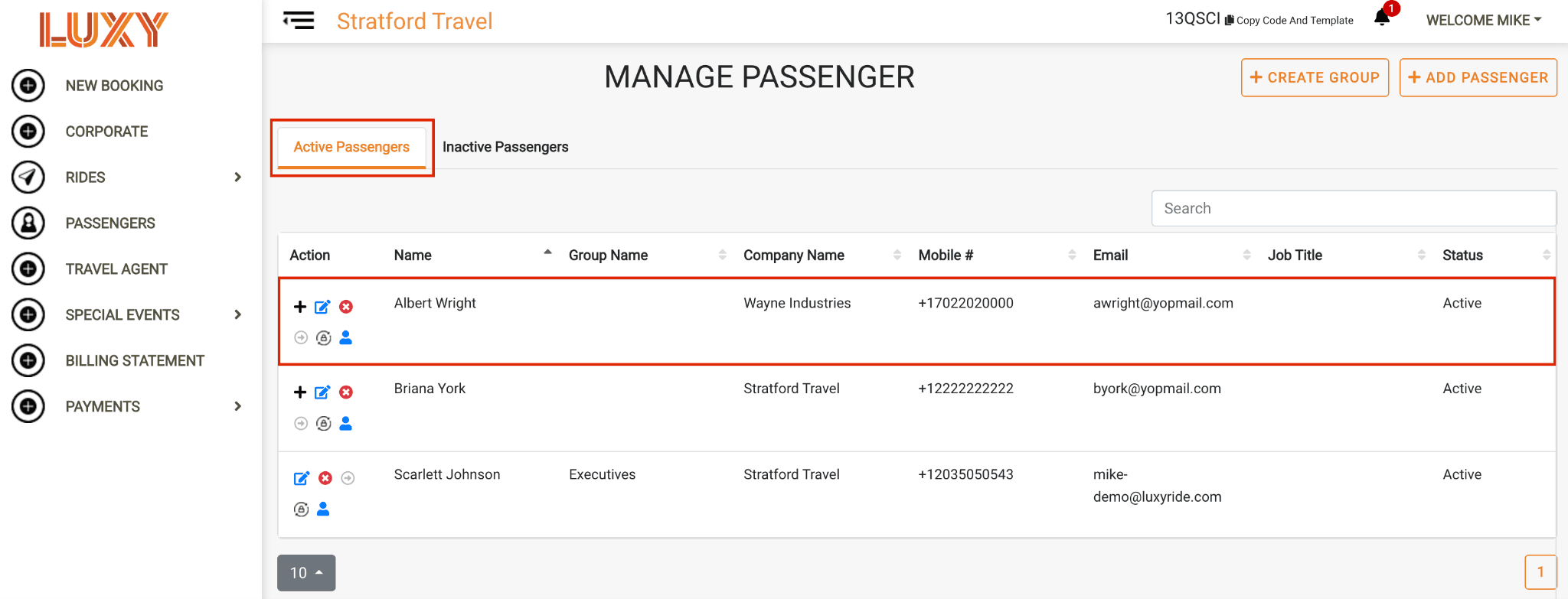
Activate your passenger's account to give them access to the LUXY Ride app and luxyride.com. Once activated, passengers can track rides booked for them by a Travel Agent, view trip details, receive ride updates, and manage their notification settings.
Passengers cannot view pricing or edit or cancel rides booked by a Travel Agent.
Steps
- Log into the LUXY Travel Agent Portal.
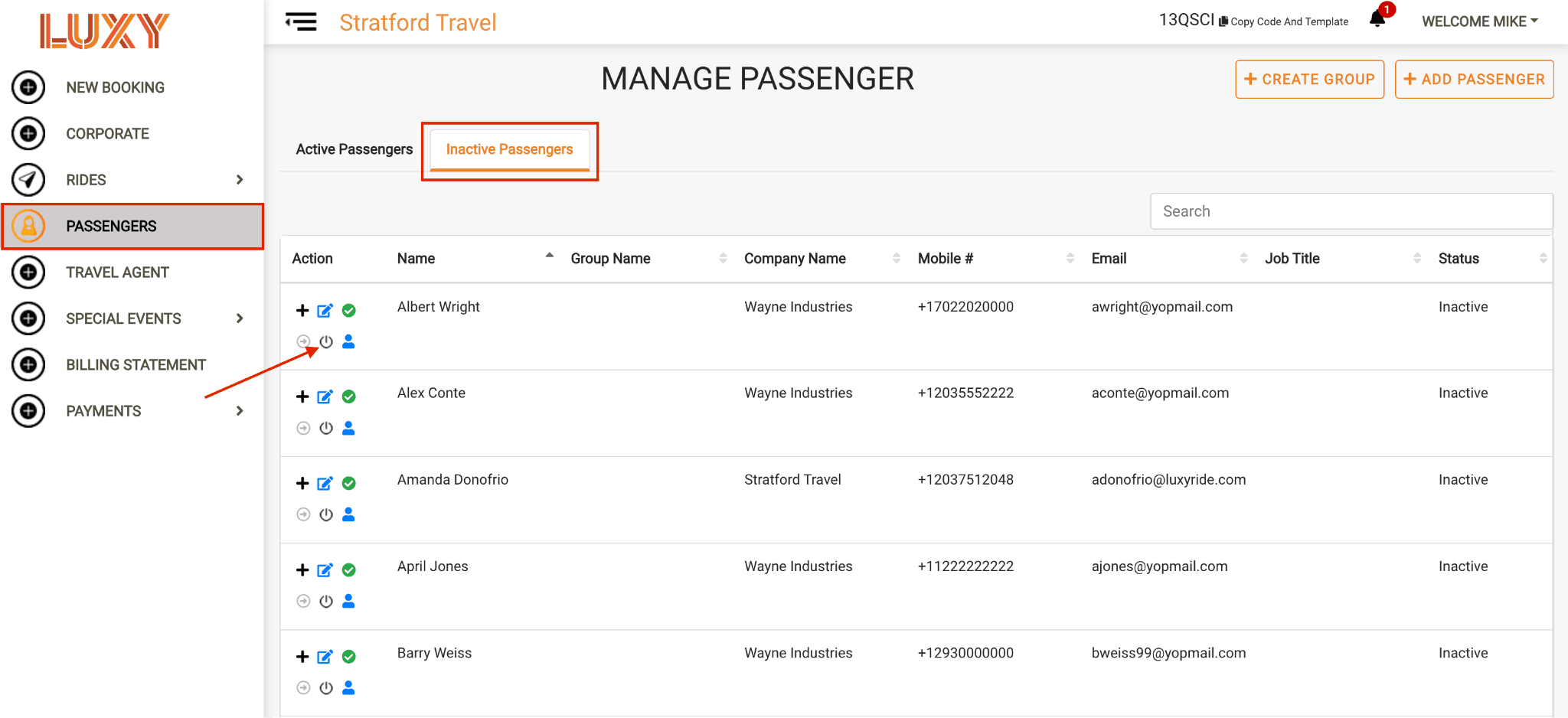
- Go to Passengers in the left-hand menu. Under A passenger who has received an activation email but has not completed the activation process. Inactive passengers cannot log in to the LUXY platform or app, but can still receive trip notifications by SMS and email and can be booked for rides by a travel agent., locate the passenger, and select the Activate Account icon.
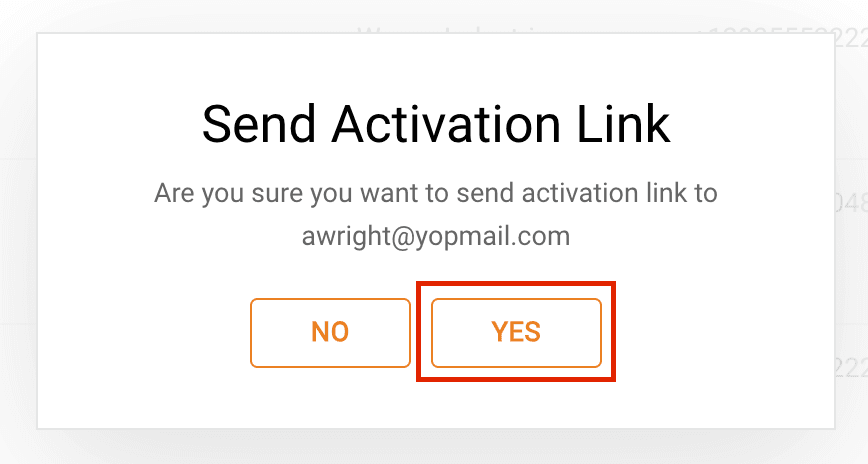
When the pop-up appears, confirm that the activation email will be sent to the correct passenger email address.
Select Yes to send the activation email.
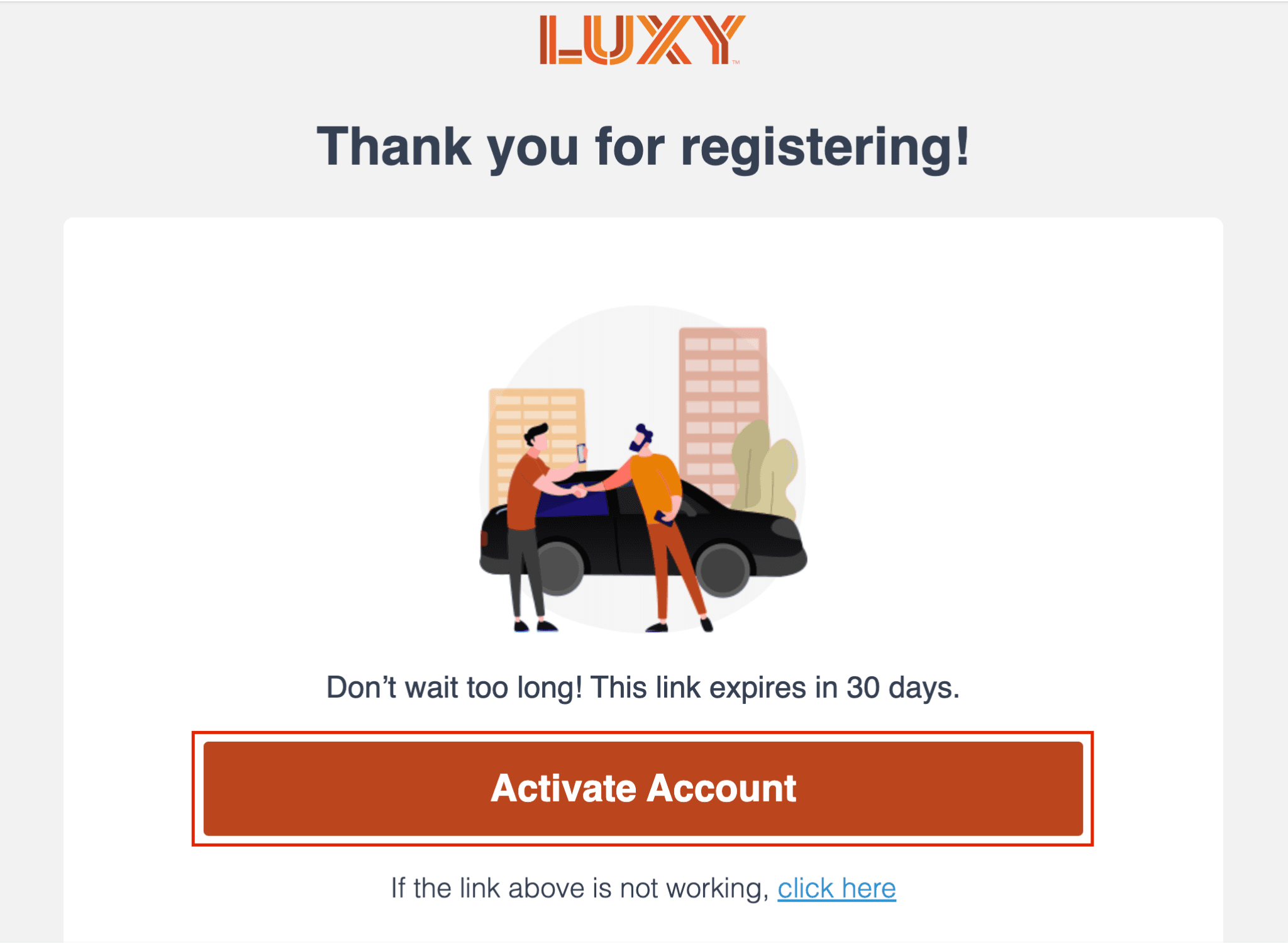
- The passenger will receive an activation email and should select Activate Account to continue.
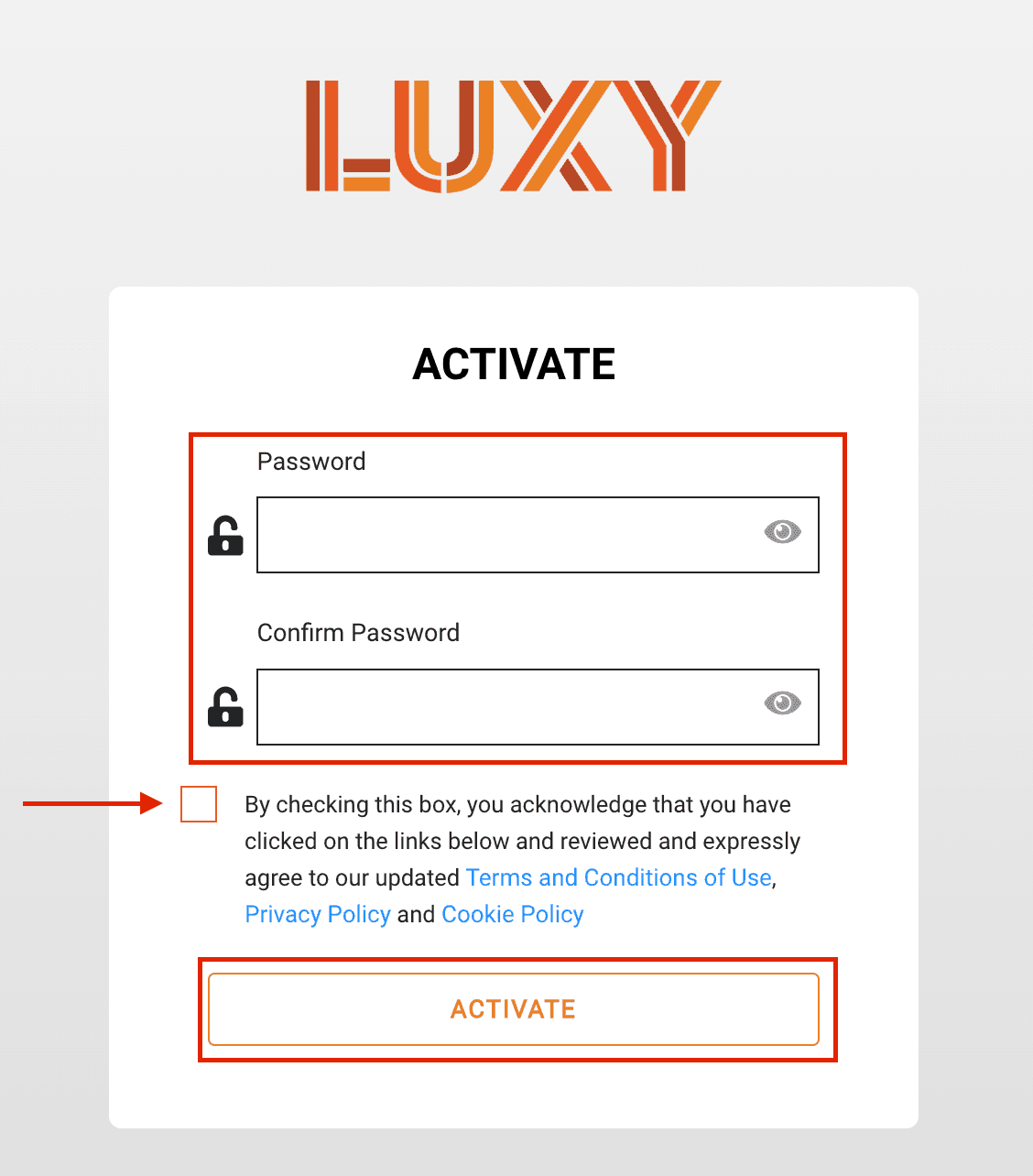
Create a password that meets the requirements below, check the box to agree to LUXY's Terms and Conditions, then select Activate.
Your password must include:
- At least 8 characters
- At least one uppercase letter
- At least one lowercase letter
- At least one number
- At least one special character
The passenger will now appear under A passenger profile that has been activated for luxyride.com or LUXY Ride App access via password creation. Active passengers can log in themselves to view and manage their bookings, in addition to receiving trip notifications by SMS and email. and can log into luxyride.com and download the LUXY Ride app. They will also receive an automated text from LUXY:
"Thank you for signing up with LUXY. We are available nationwide at the click of a button. See how easy it is to book your ride across the US today."