Overview
Registration requires your business and contact information, a completed W-9, and direct deposit details. You can also enable optional A security feature that requires the passenger to provide a four-digit PIN to the driver before entering the vehicle. The PIN confirms that the correct passenger and driver are matched. PIN Verification can be enabled or disabled for each travel agency account. before completing your registration. After submitting the form, you’ll receive an email to activate your account and create a password.
Steps
- Navigate to the LUXY Travel Agent registration page.
Complete the registration form.
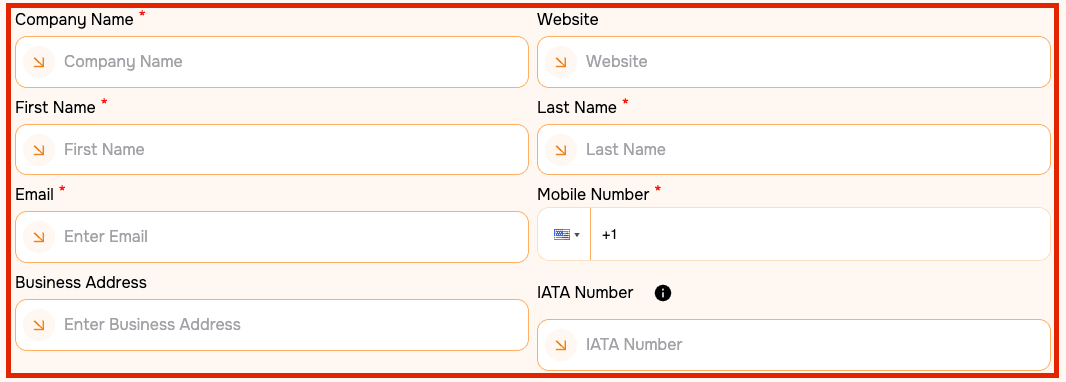
Fields marked with a red asterisk (*) are required. Enter the following information:
- Company Name*
- Website
- First Name*
- Last Name*
- Email Address*
- Mobile Number*
- Business Address (if applicable)
- A unique identification number used by travel agents and agencies to prove legitimacy as a business. (if applicable)
Upload your W-9 and completed LUXY Direct Deposit form.
Download a LUXY Direct Deposit Form here.
 Note: Your W-9 and banking information are required to receive The percentage of a booking’s fare earned by a travel agenct for eligible bookings made through their travel agency account. Commissions are paid to the agency according to LUXY’s payout schedule. payments.
Review the PIN Verification option, accept the LUXY Privacy Policy, and select Create.
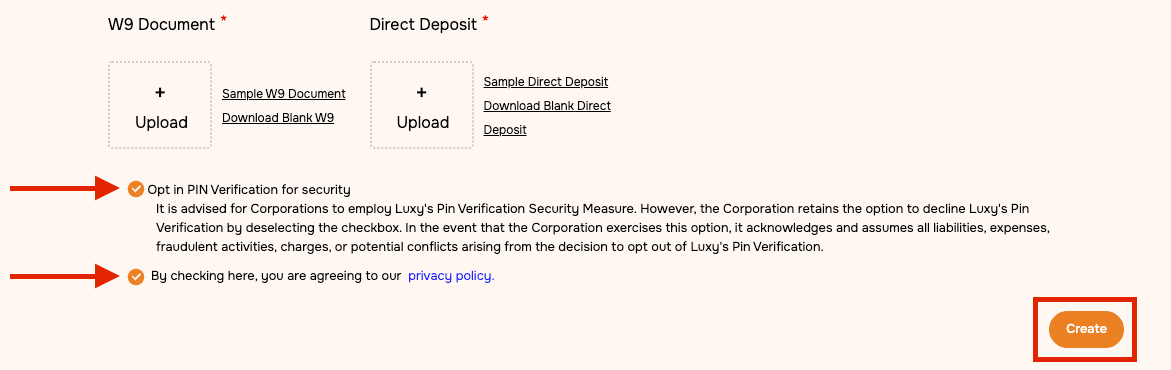 Note: PIN Verification is an optional security feature that requires the passenger to provide the driver with a verification PIN before entering the vehicle. This setting can be updated at any time after the account is created. See Change PIN Verification Setting.
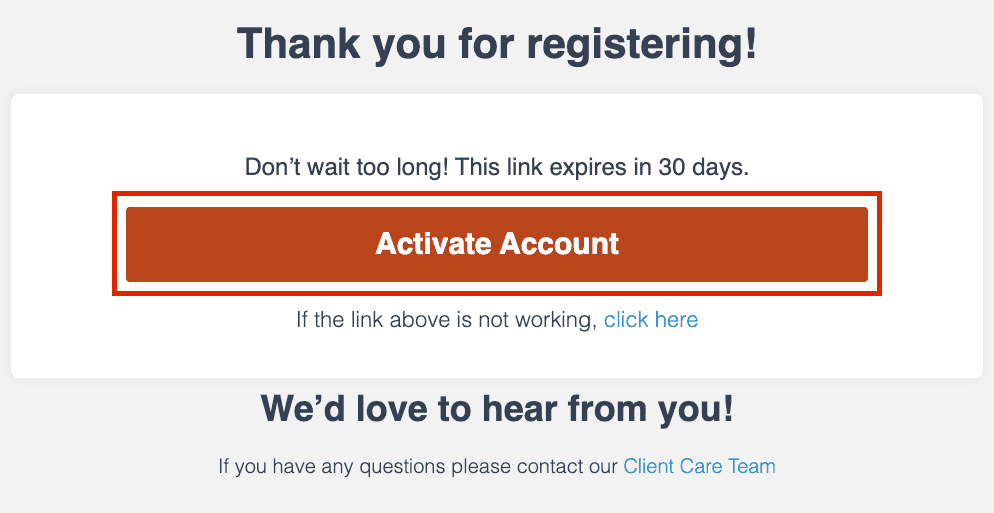
- An email will be sent to the email address you used to sign up. Follow the link in the email to activate your account and create your password. Once your account is activated, you will automatically be added as a Travel Agent under your agency.