Overview
Use this guide to request a password reset link and create a new password if you cannot access your LUXY Travel Agent account. You must have an existing account associated with the email address you enter.
Steps
- Navigate to the LUXY Travel Agent Login Page.
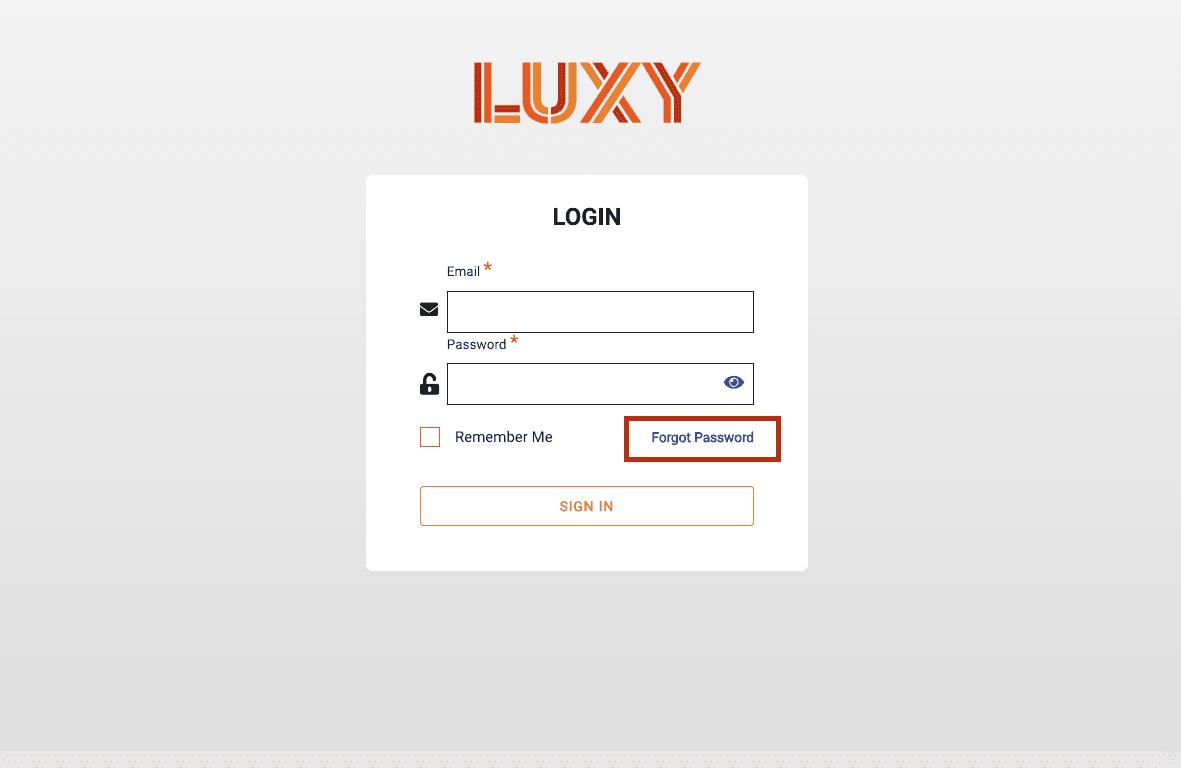
- Select Forgot Password.
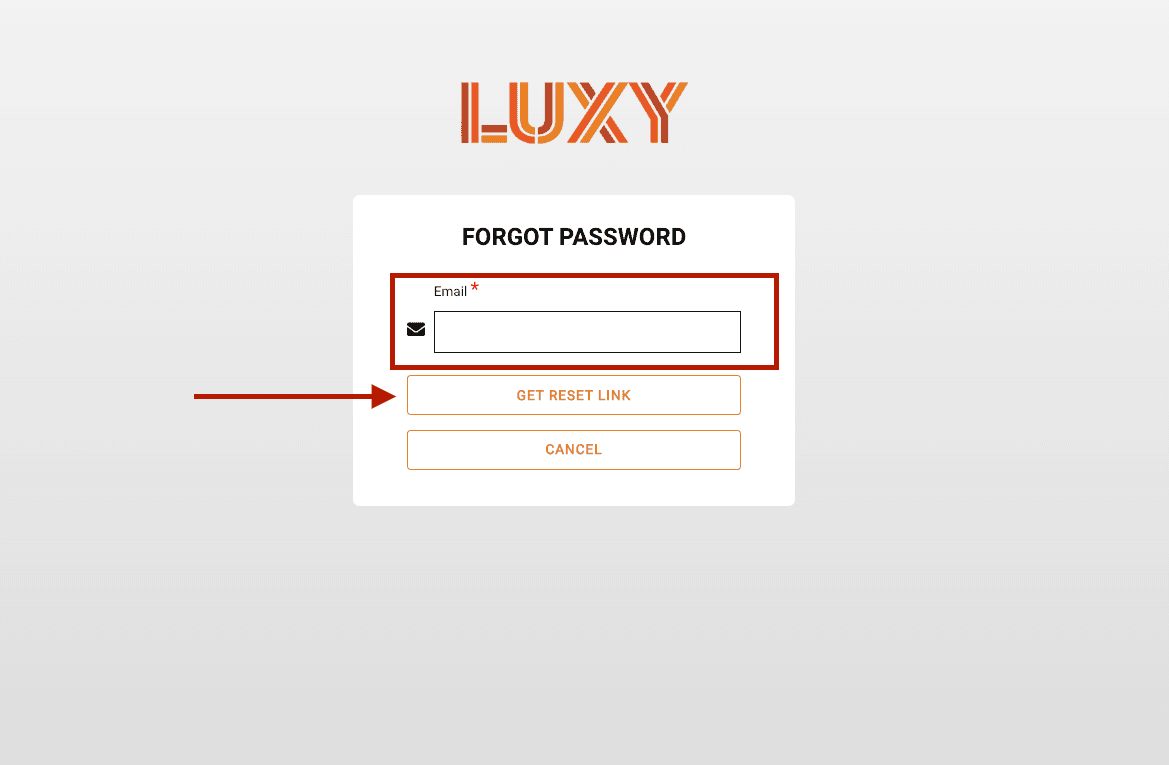
- Enter the email address associated with your account, then select Get Reset Link.
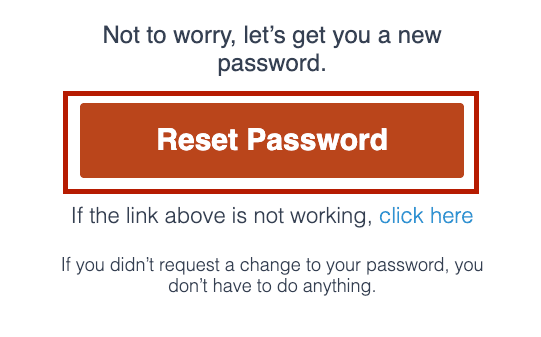
- Open the password reset email. If an account exists for the email address you entered, you'll receive a password reset email.
If you do not receive an email:- Check your spam or junk folder.
- Confirm you are using the correct portal. Travel agents must reset their password through the LUXY Travel Agent Login Page.
- Confirm you entered the correct email address.
- Check with your agency to see if your account is Active. You must be an active travel agent to log in. See Activate Your Travel Agent Account.
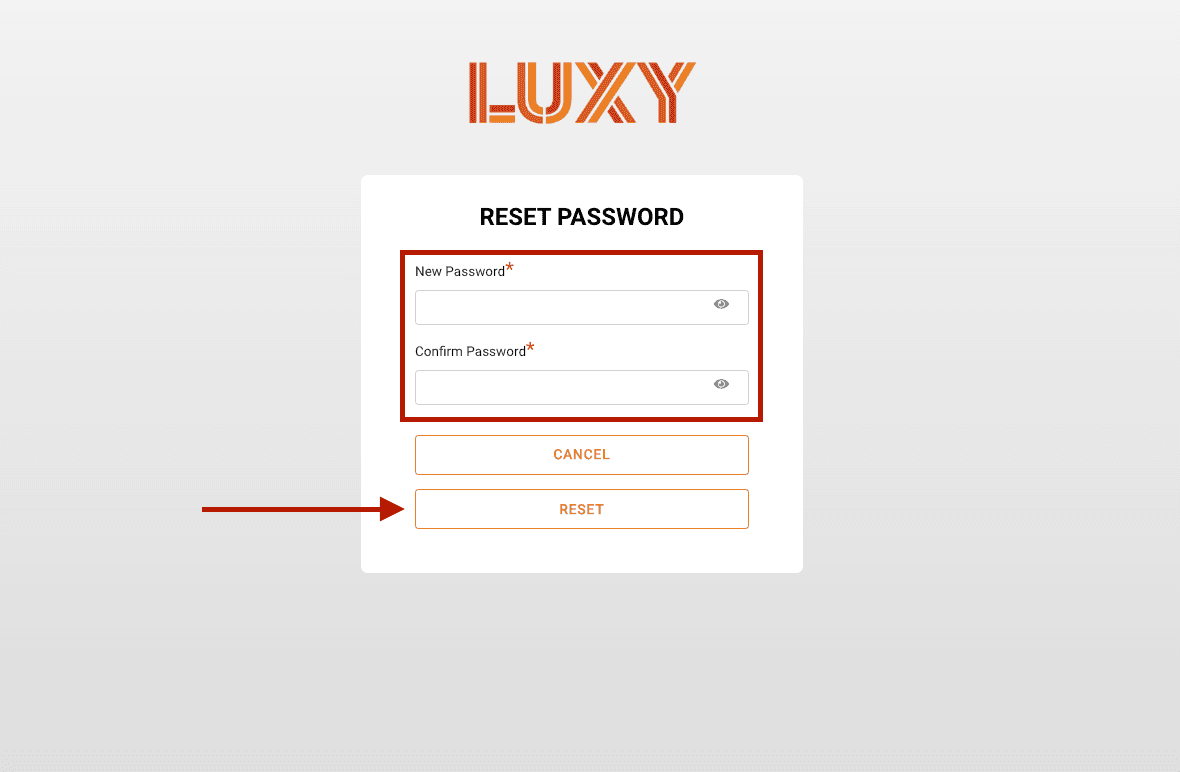
Enter and confirm your new password, then select Reset.
Password criteria:
- 8 character minimum
- At least 1 capital letter
- At least 1 lowercase letter
- At least 1 number
- At least 1 special character
- Return to the sign-in page and log into the LUXY travel agent portal.