Overview
Use this guide to change your password while already logged in to the Travel Agent Platform. If you can't log in and need to reset your password, see Reset Travel Agent Password.
Steps
- Log Into the LUXY Travel Agent portal.
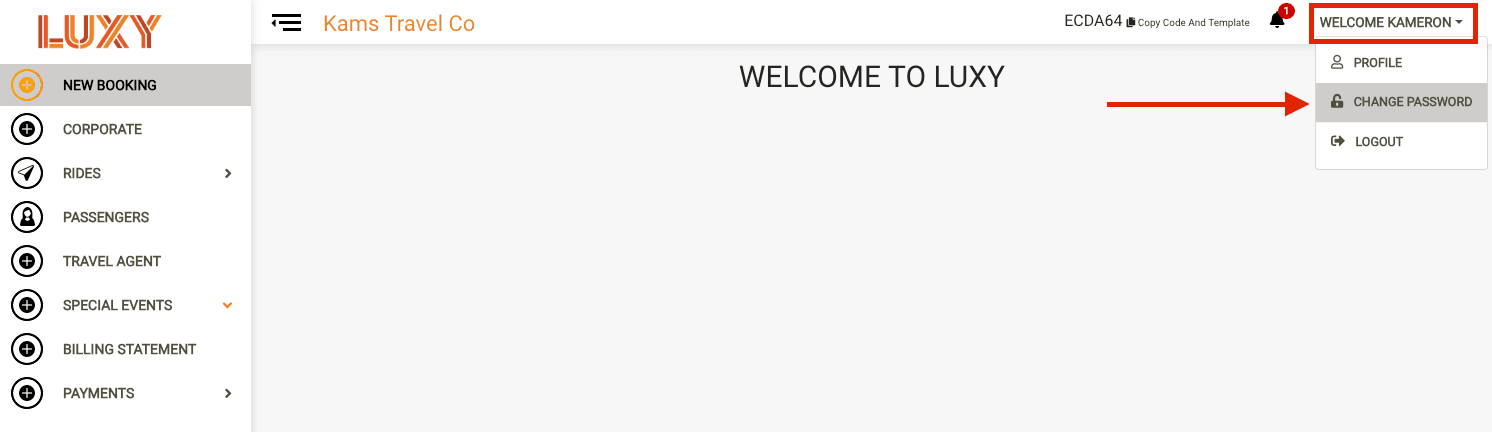
- On the right-hand side, click your name and select Change Password from the dropdown.
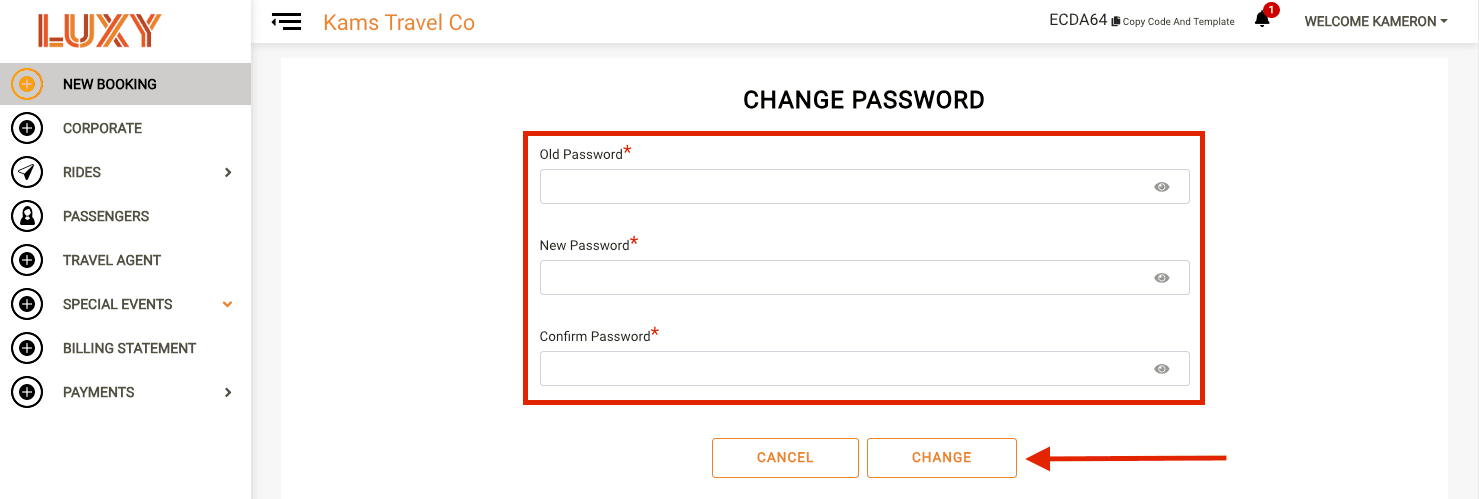
Enter your password details. Fill in the following fields:
- Old Password
- New Password
- Confirm New Password
Your new password must include:
- 8 character minimum
- At least 1 capital letter
- At least 1 lowercase letter
- At least 1 number
- At least 1 special character
- Save your changes. Click Change to update your password.