Overview
Deactivating a travel agent removes their access to the LUXY Travel Agent Portal. Their rides and booking history will remain available, and you can reactivate their account later if needed.
Steps
- Log Into the LUXY Travel Agent portal.
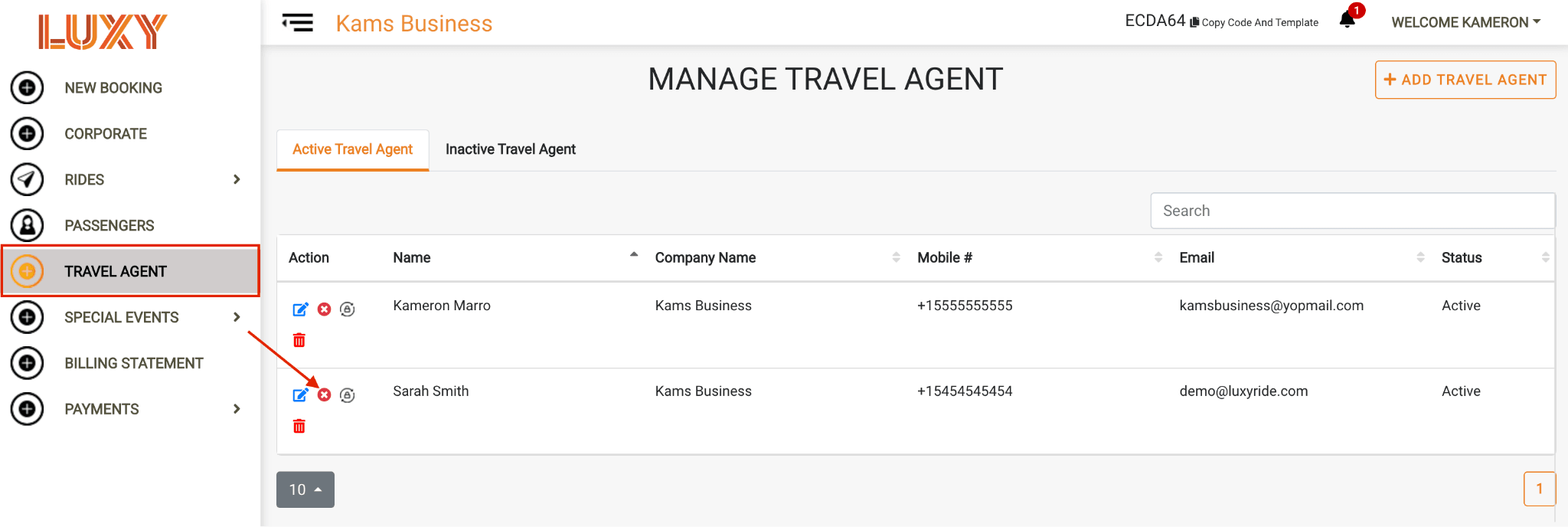
- On the left-hand side, click Travel Agent, then click the Deactivate icon next to the agent you want to deactivate.
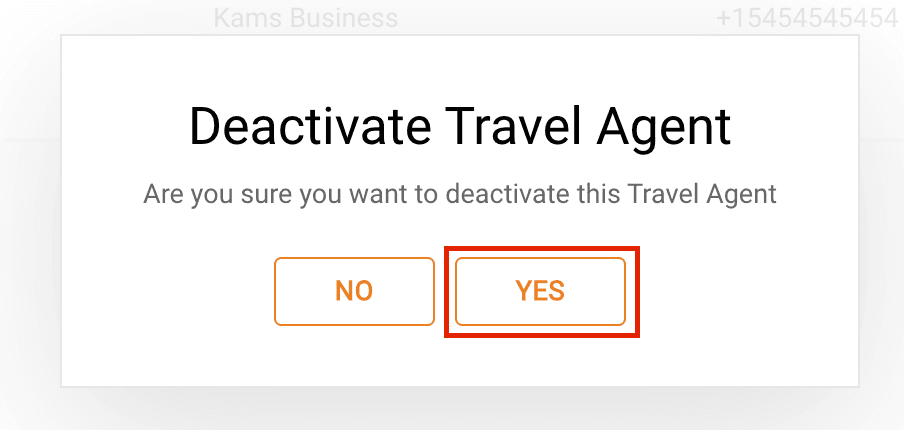
- Click Yes on the pop-up to confirm.
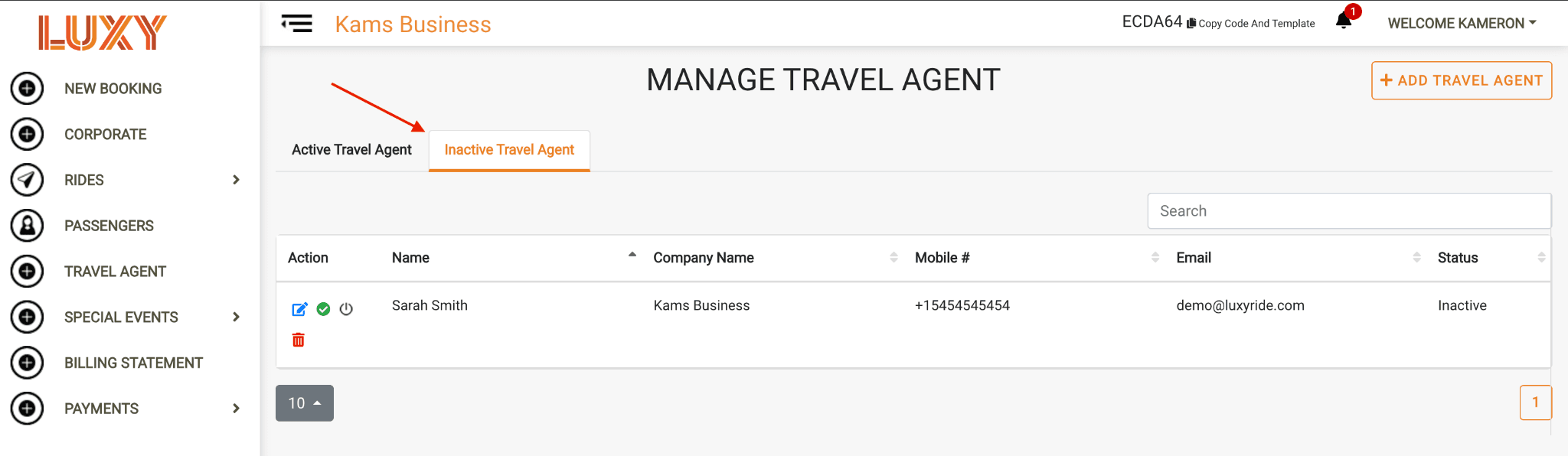
- The agent will now appear under Inactive Travel Agent.