Overview
Use this guide to help an A passenger profile that has been activated for luxyride.com or LUXY Ride App access via password creation. Active passengers can log in themselves to view and manage their bookings, in addition to receiving trip notifications by SMS and email. reset their LUXY account password. The passenger will receive an email with instructions to create a new password.
Steps
- Log into the LUXY Travel Agent Portal.
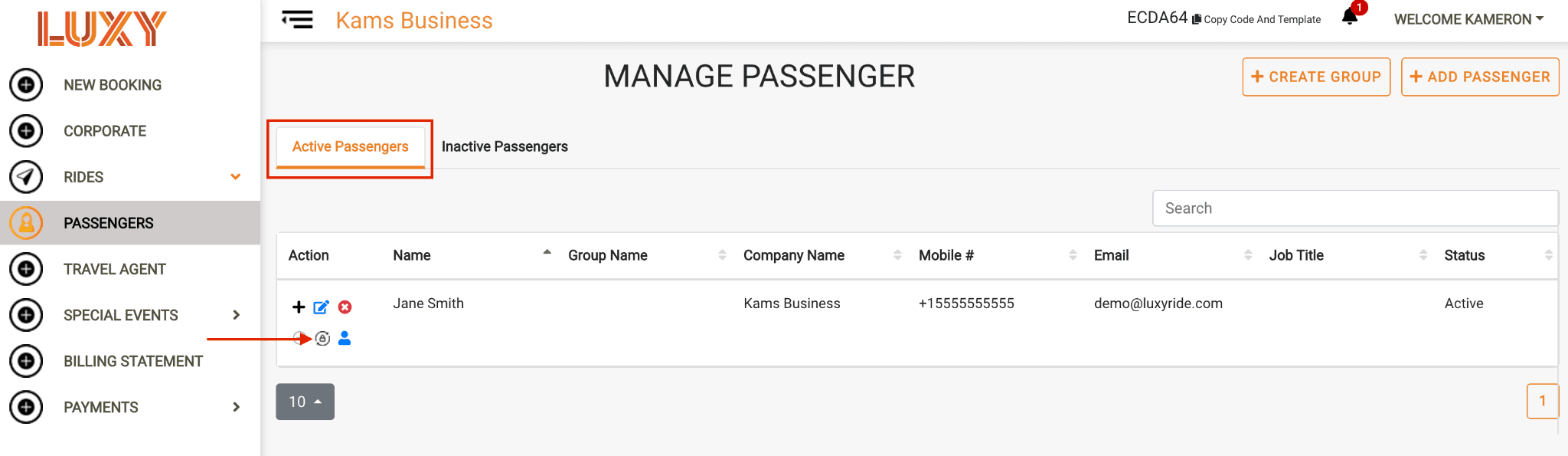
- Navigate to Passengers, then under Active Passengers, select the Reset Password icon for the passenger whose password you want to reset.
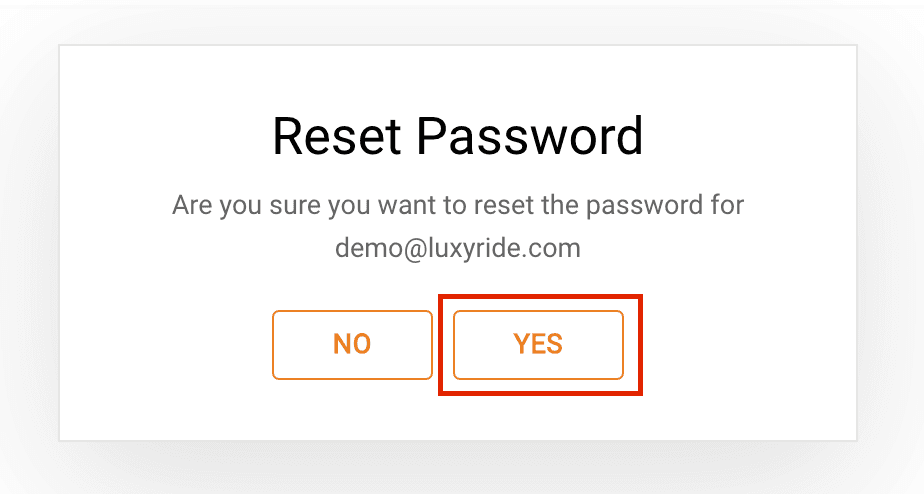
- Select Yes when the confirmation message appears. A password reset email will be sent to the email address associated with the passenger's profile.