Overview
Deactivating a passenger removes their access to luxyride.com and the LUXY Ride App. Their profile information and ride history will remain available, and you can continue booking rides on their behalf.
Steps
- Log Into Your Travel Agent Account.
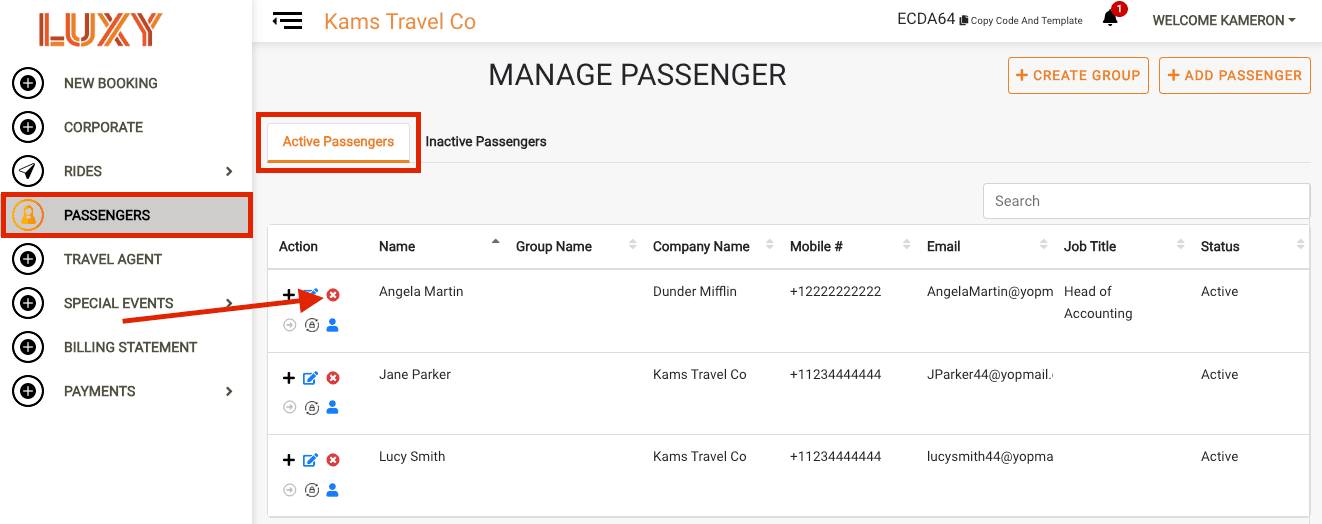
- Navigate to Passengers. Under A passenger profile that has been activated for luxyride.com or LUXY Ride App access via password creation. Active passengers can log in themselves to view and manage their bookings, in addition to receiving trip notifications by SMS and email., select the Deactivate icon for the passenger you want to deactivate.
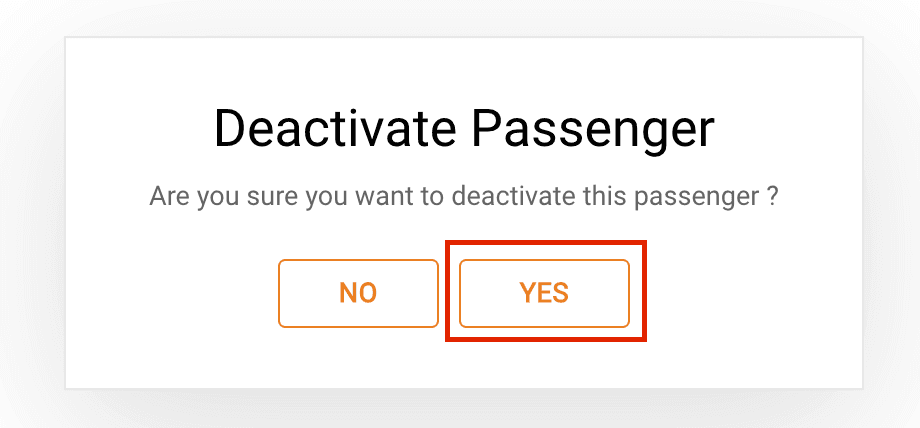
- Select Yes when the confirmation message appears. The passenger will now show up under A passenger who has received an activation email but has not completed the activation process. Inactive passengers cannot log in to the LUXY platform or app, but can still receive trip notifications by SMS and email and can be booked for rides by a travel agent..