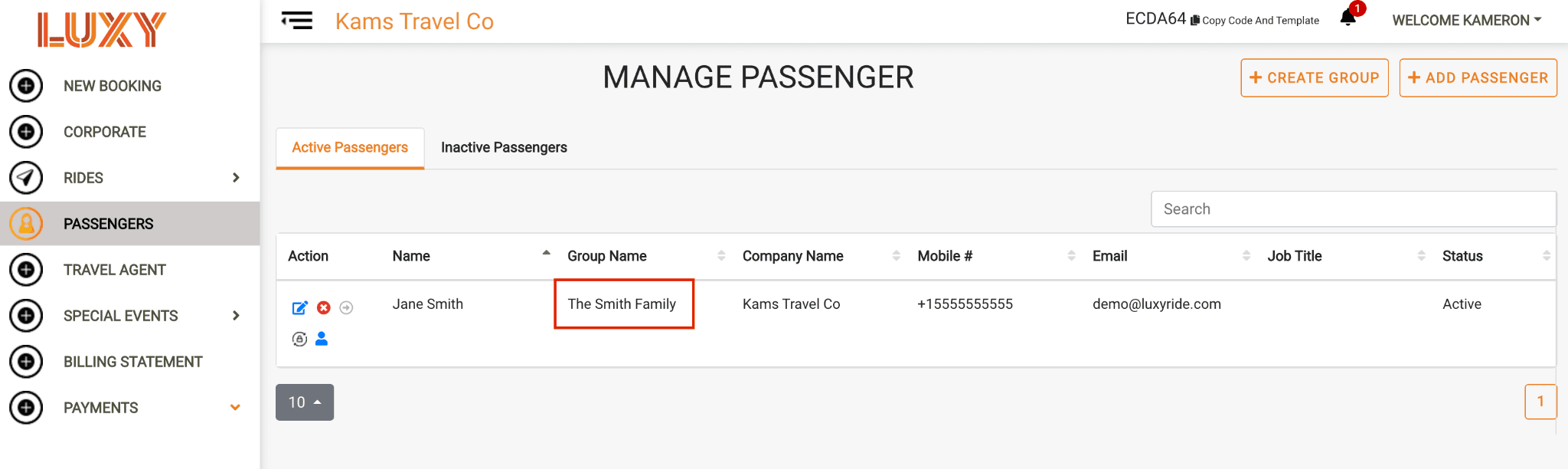
Overview
This guide explains how to link a passenger to a A way to group passenger profiles together for easier viewing, such as members of the same family or travel group. in the LUXY Travel Agent Portal. Use groups to organize your passengers and quickly see which passengers belong to each group for your agency's internal organization.
Steps
- Log into the LUXY Travel Agent Portal.
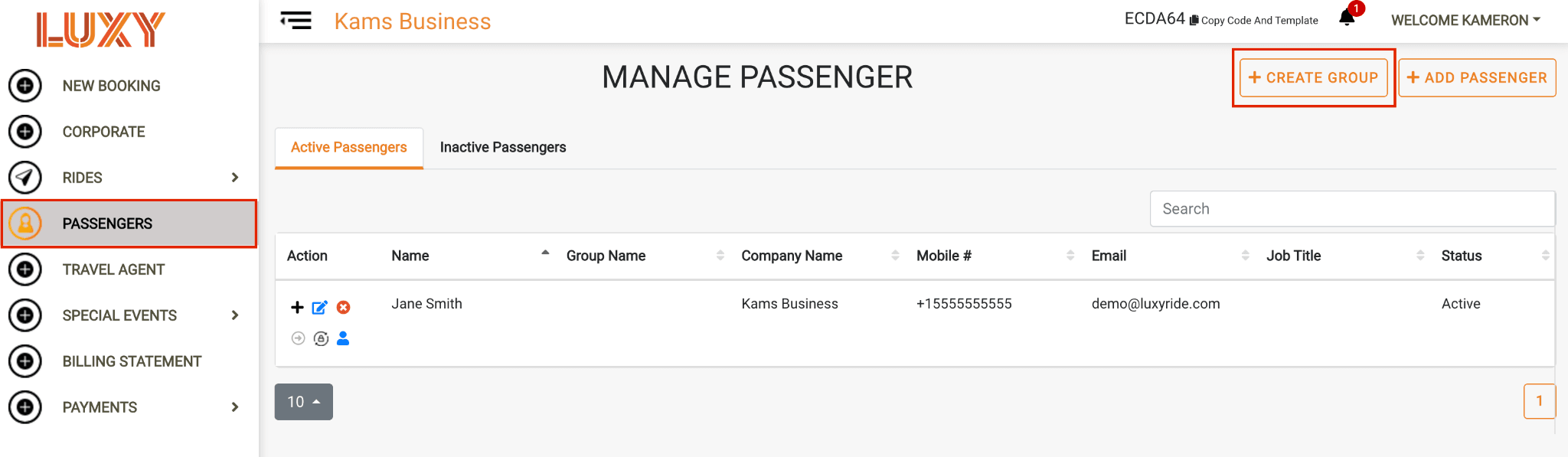
- To create a new group, navigate to Passengers, then select +Create Group.
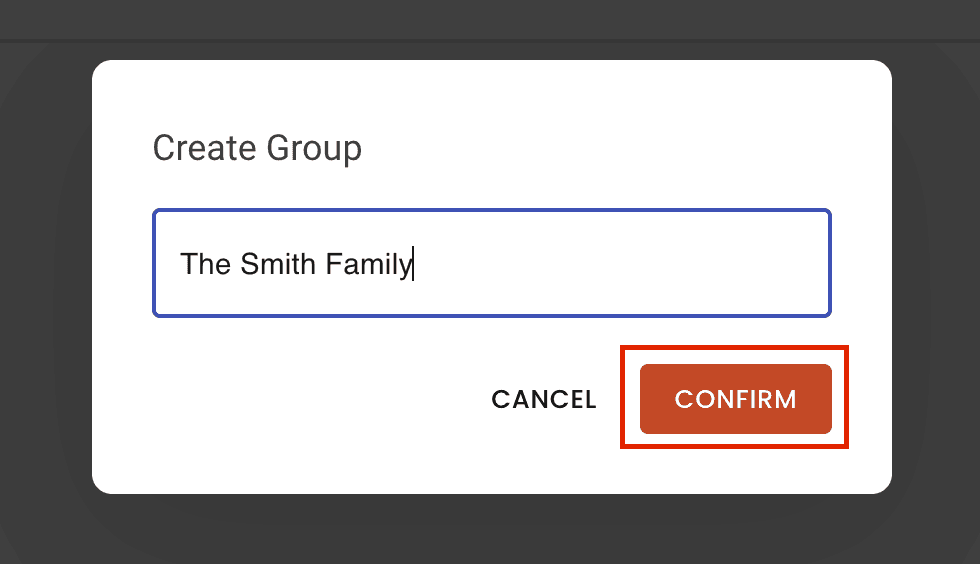
- Name the group and click Confirm.
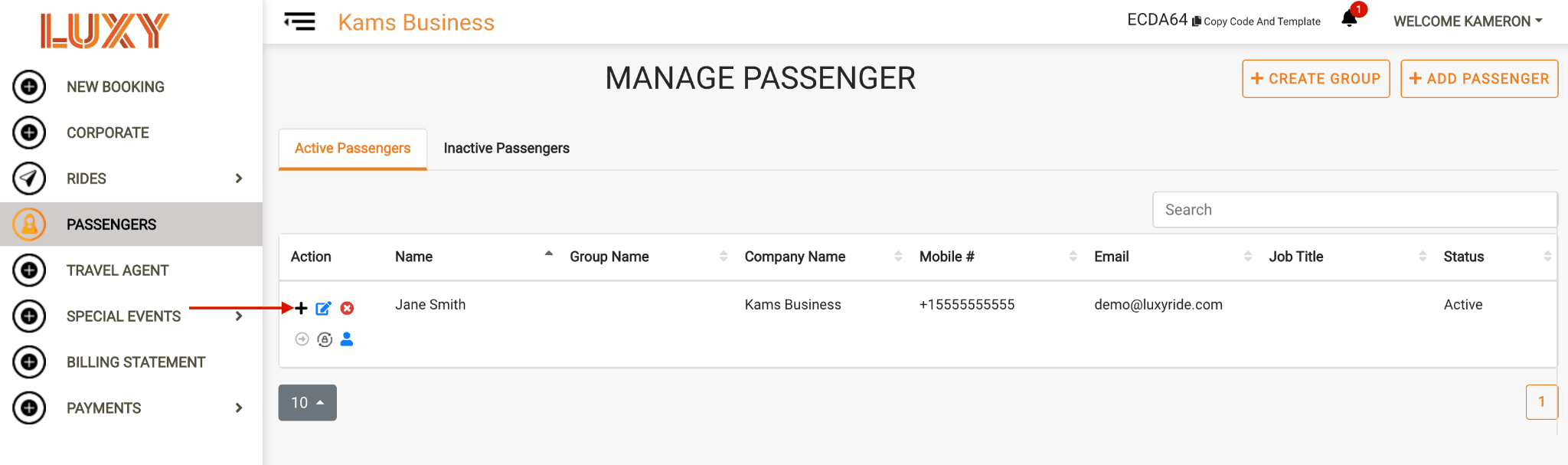
- Under the A passenger profile that has been activated for luxyride.com or LUXY Ride App access via password creation. Active passengers can log in themselves to view and manage their bookings, in addition to receiving trip notifications by SMS and email. tab, click the Add to Group icon next to the passenger you want to add.
- Choose the group from the dropdown and click Confirm.
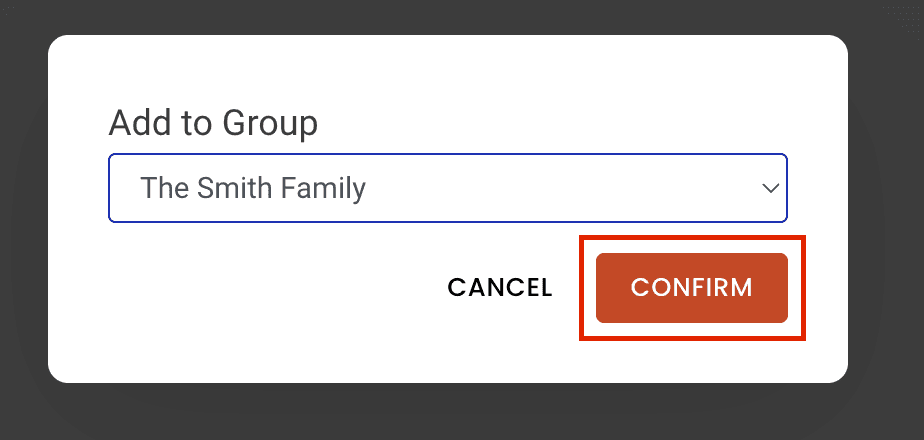
Note: The passenger will now appear under the selected group. Use groups to keep passengers organized and quickly see who belongs to each group.