Overview
Use this guide to generate and download a A downloadable document that lists rides within a selected date range as line items, along with their associated transaction details.. The statement includes each ride matching your selected filters, along with its transaction details.
Steps
- Log Into the LUXY Travel Agent Portal.
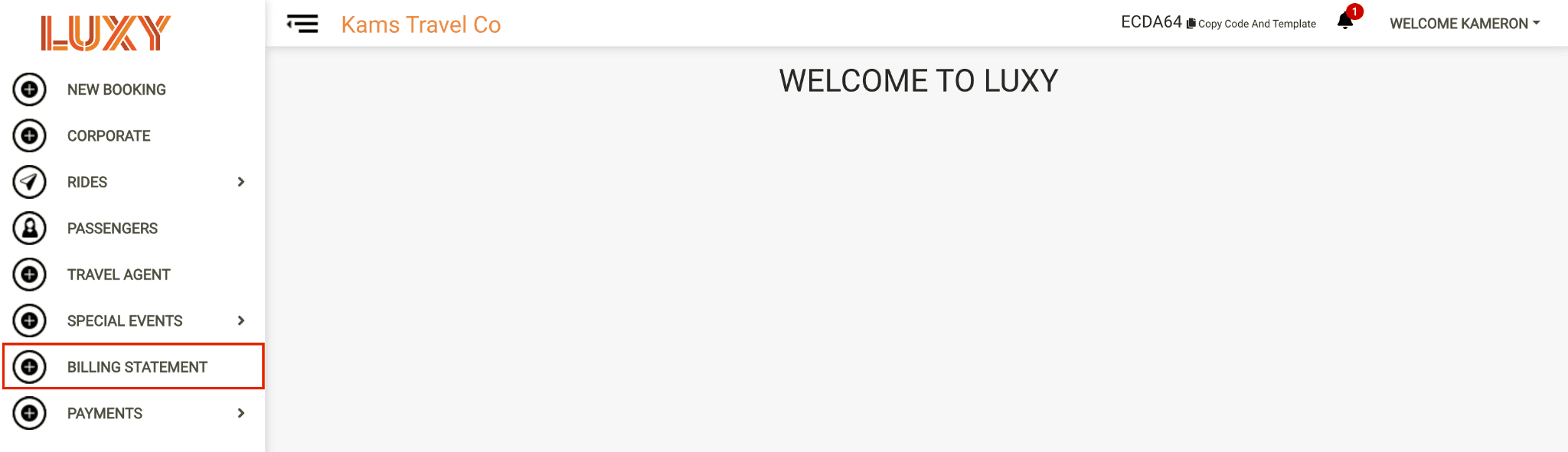
- Navigate to Billing Statement.
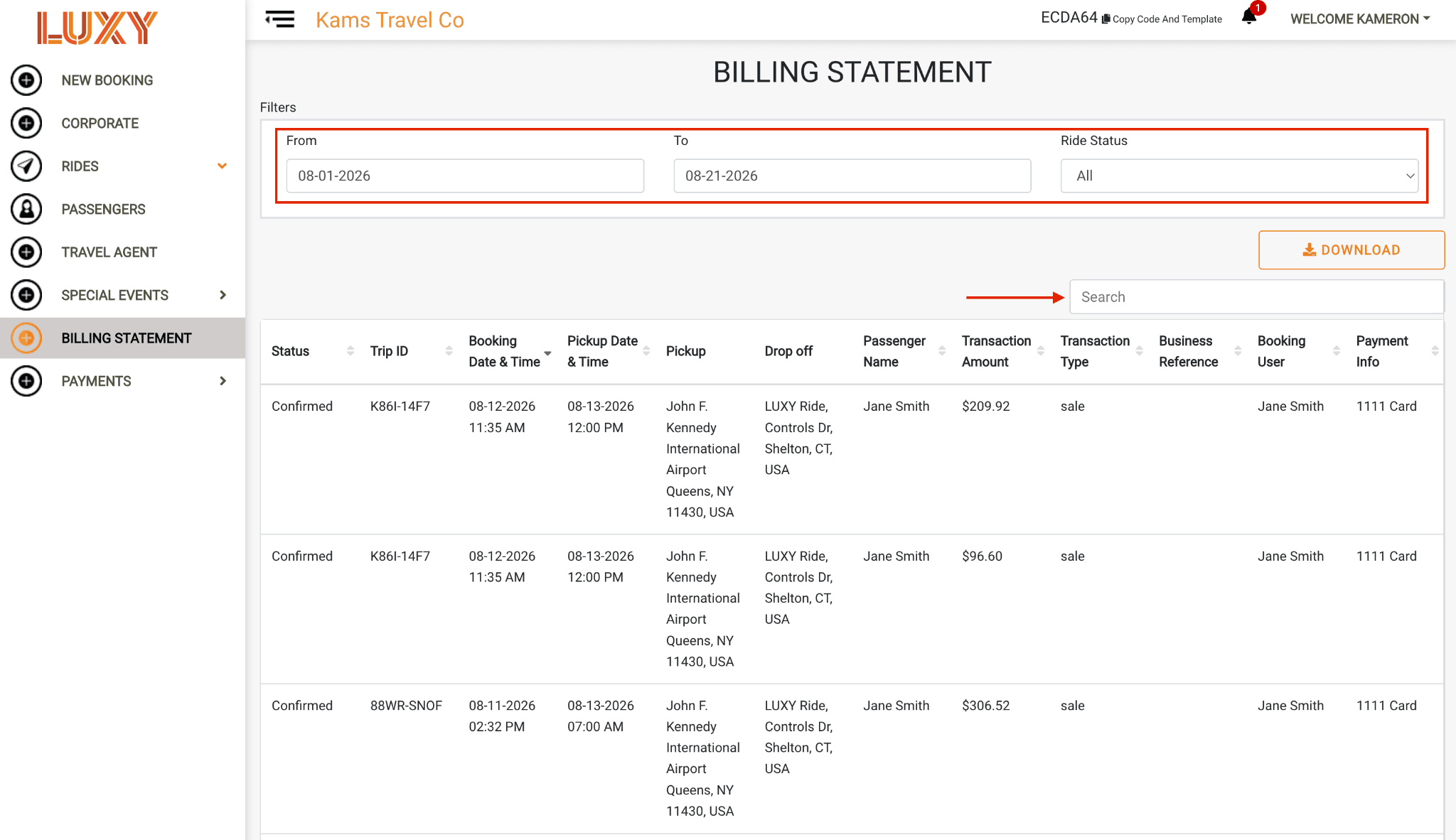
- Search for the rides to include. Select a date range and a The current stage of a booked ride, such as In Progress or Completed.. To further narrow the results, use the search bar to search by Status, Trip ID, Booking Date and Time, Pickup Date and Time, Pickup, Drop off, Passenger Name, Transaction Amount, Transaction Type, A reference entered at booking that appears on billing statements, making it easier to identify and reconcile the trip for accounting or reporting purposes., Booking User, or Payment Info.
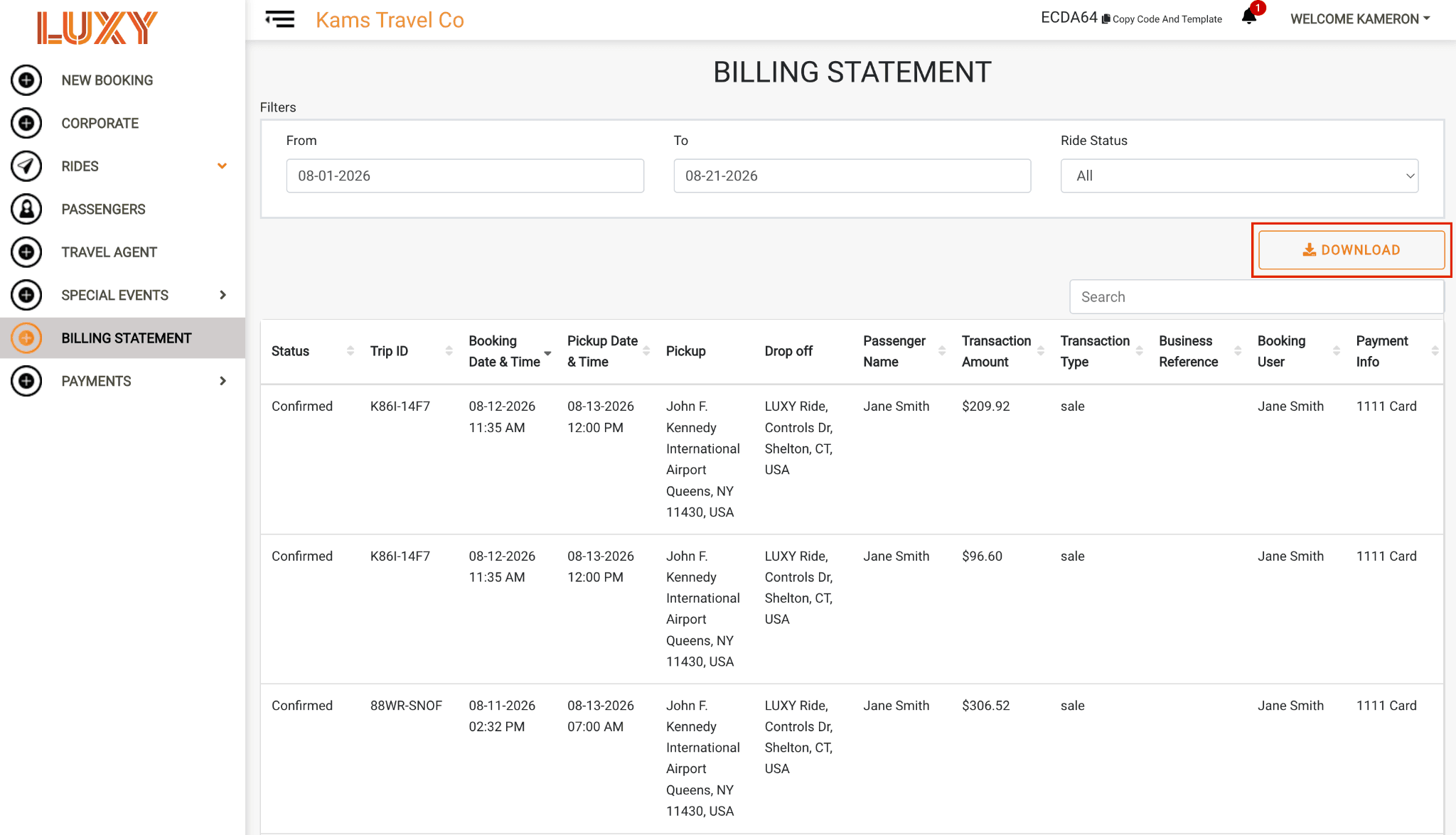
Download the statement. Click Download to download the billing statement.
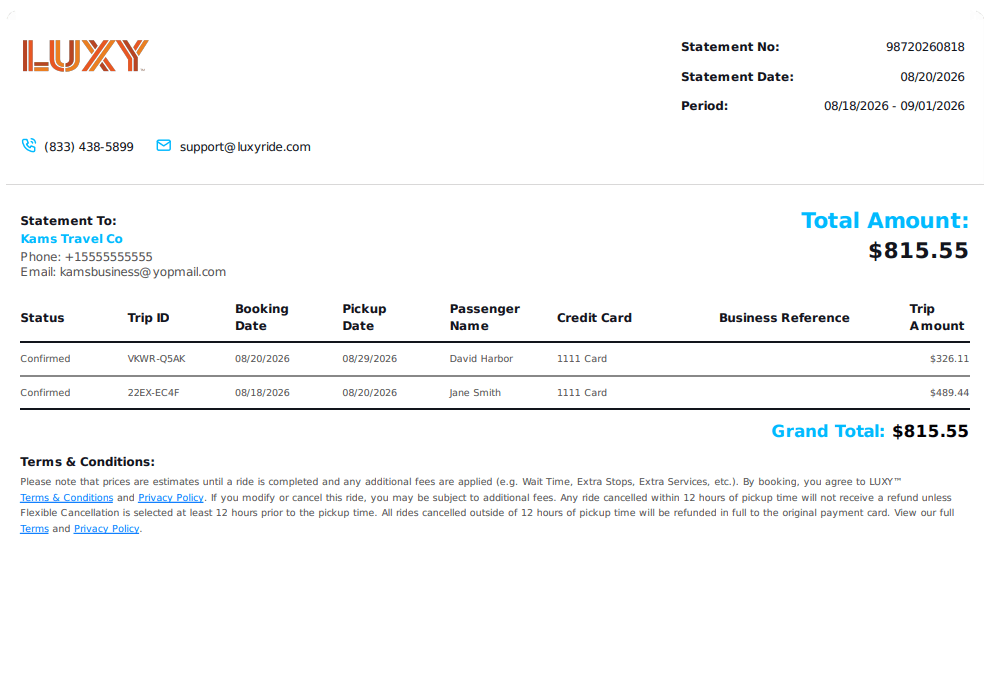
Sample billing statement