Overview
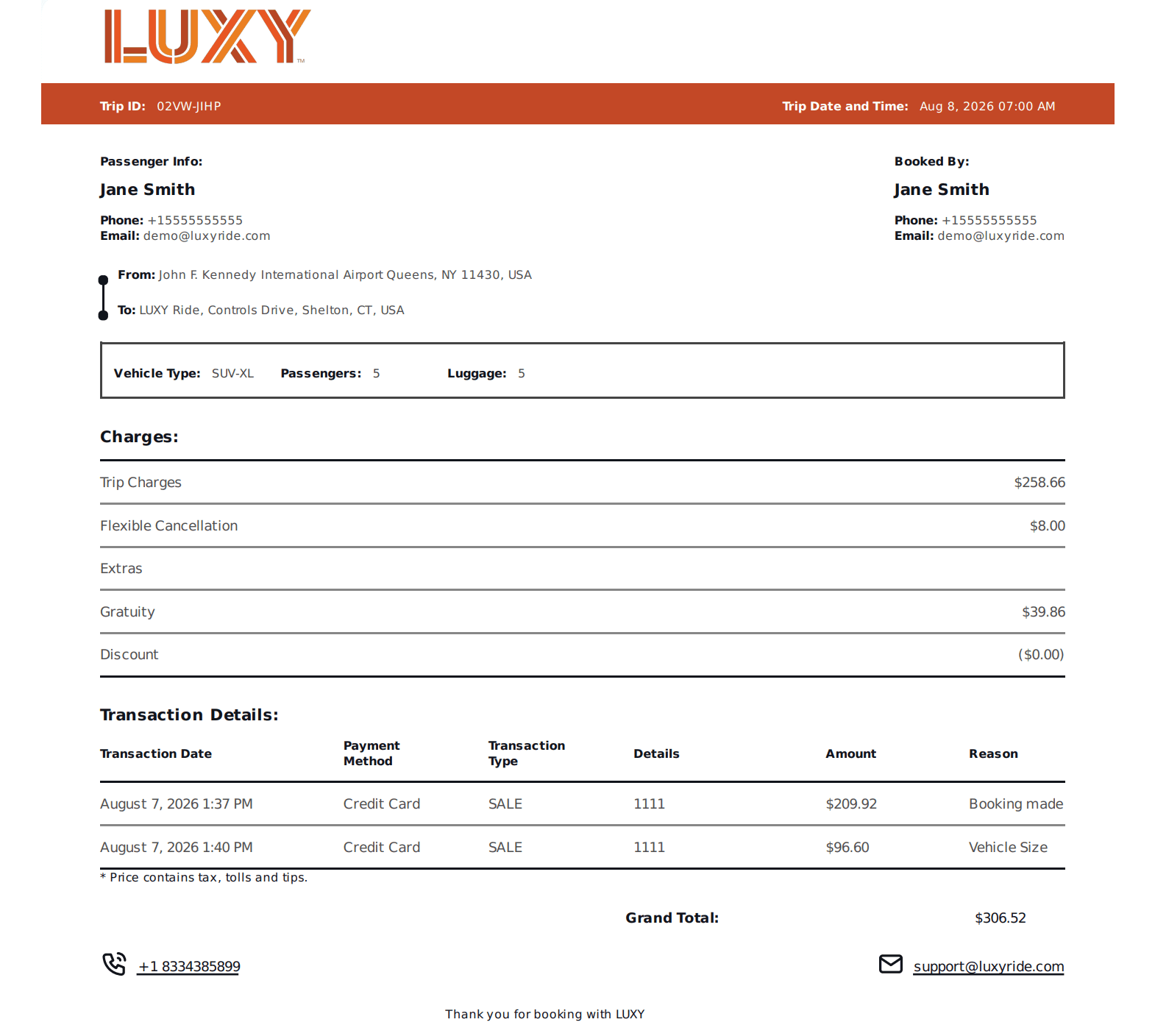
Use this guide to download an invoice for a single ride. The invoice includes the ride details and all transactions associated with the booking.
Steps
- Log Into the LUXY Travel Agent Portal.
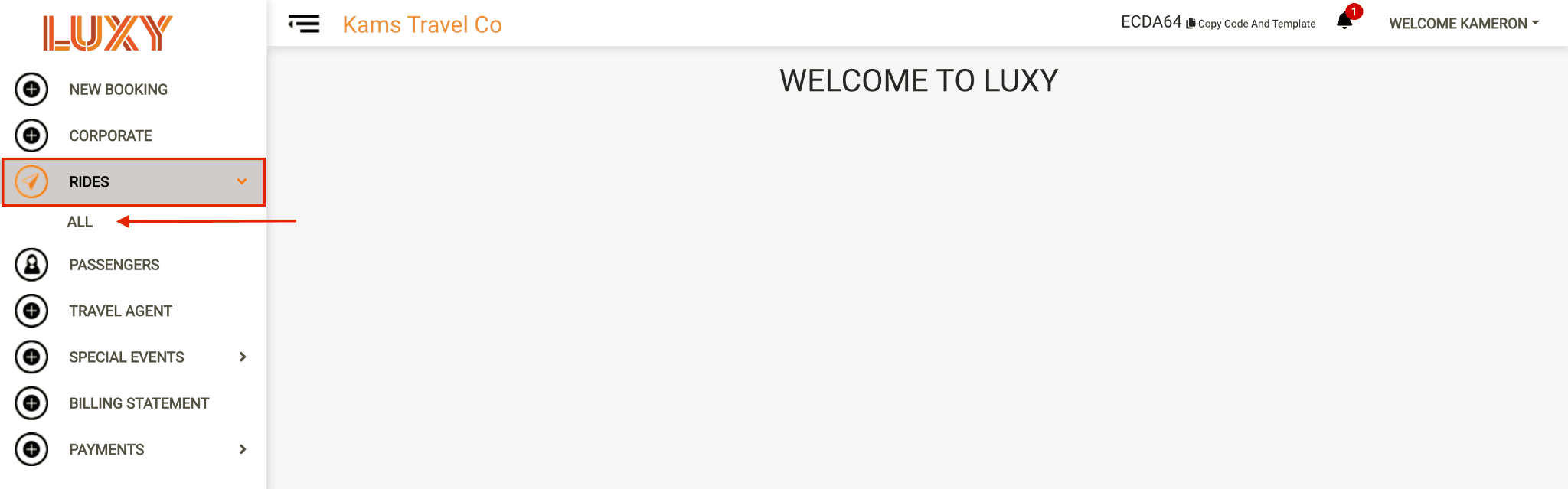
- Navigate to Rides, then select All from the dropdown.
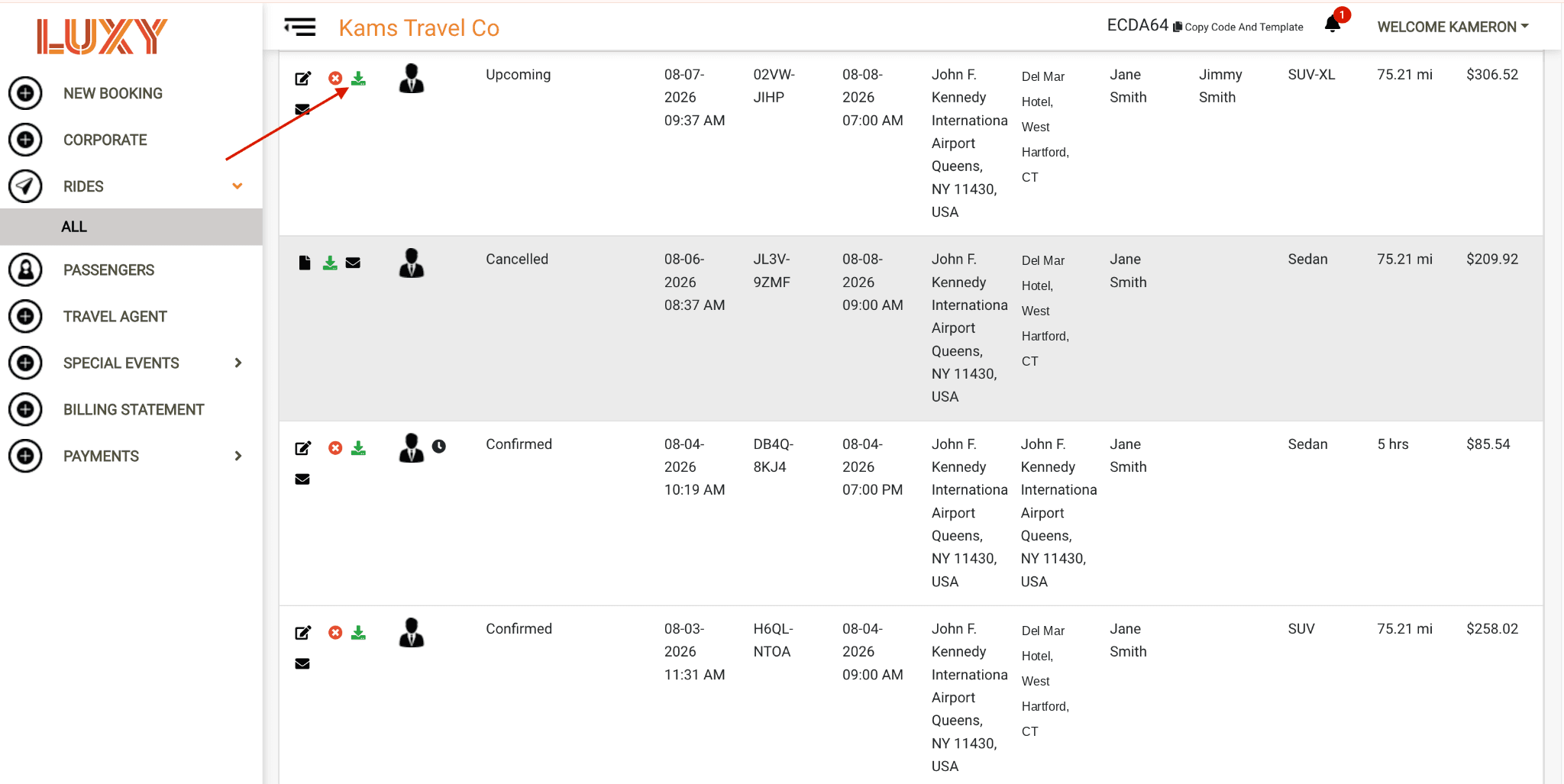
- Locate the ride for which you want to download the invoice, then click the Download PDF icon next to the ride.